
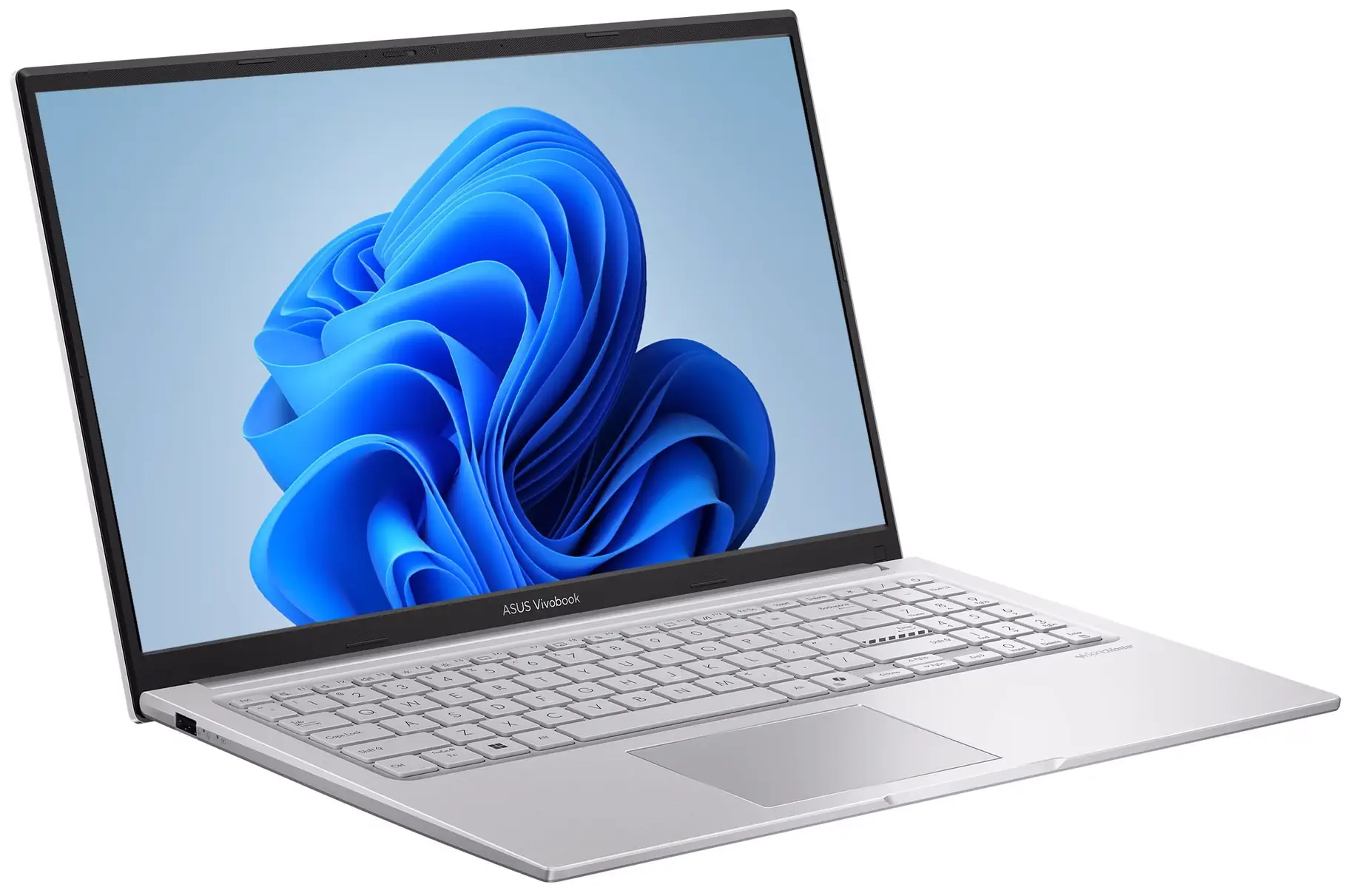
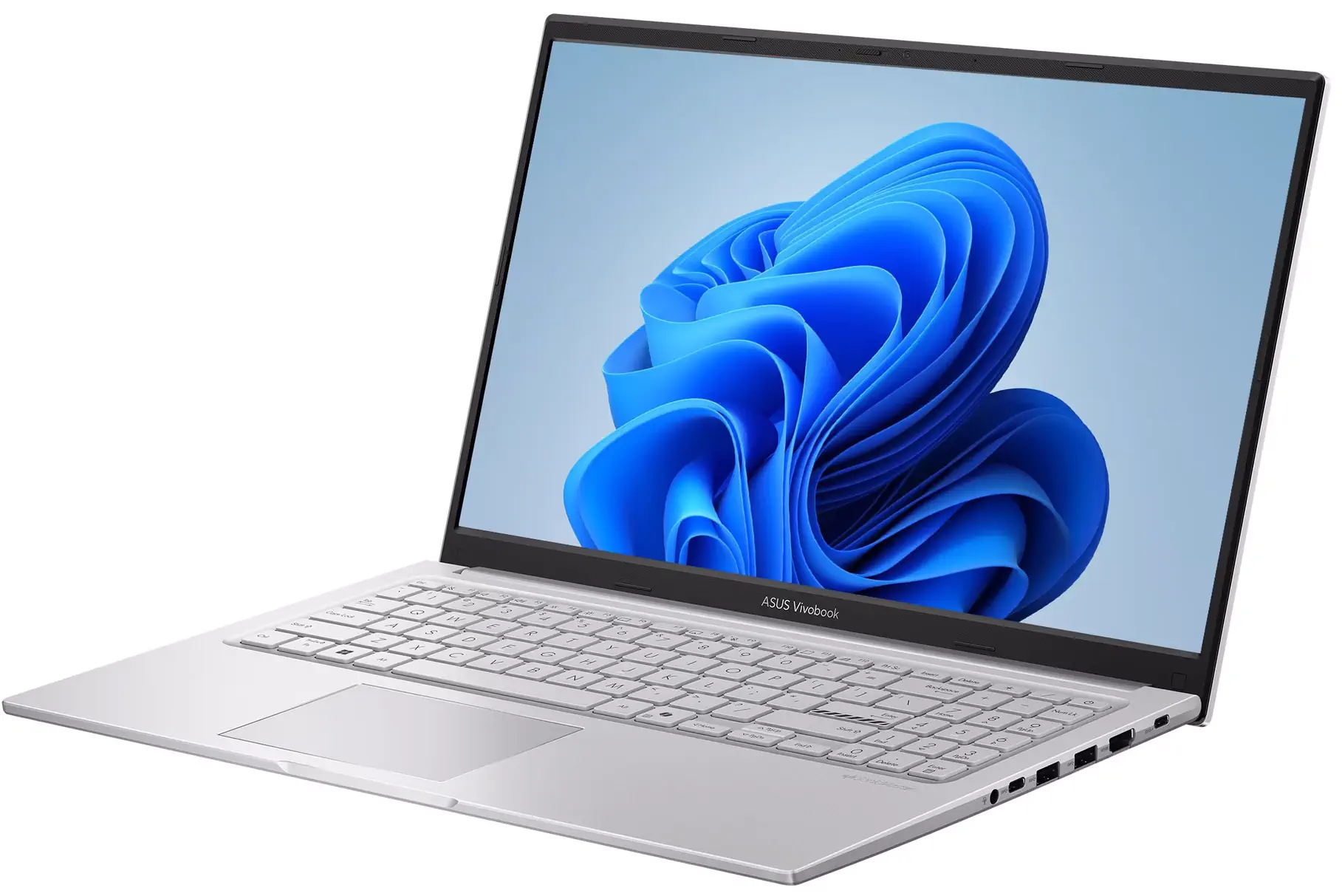
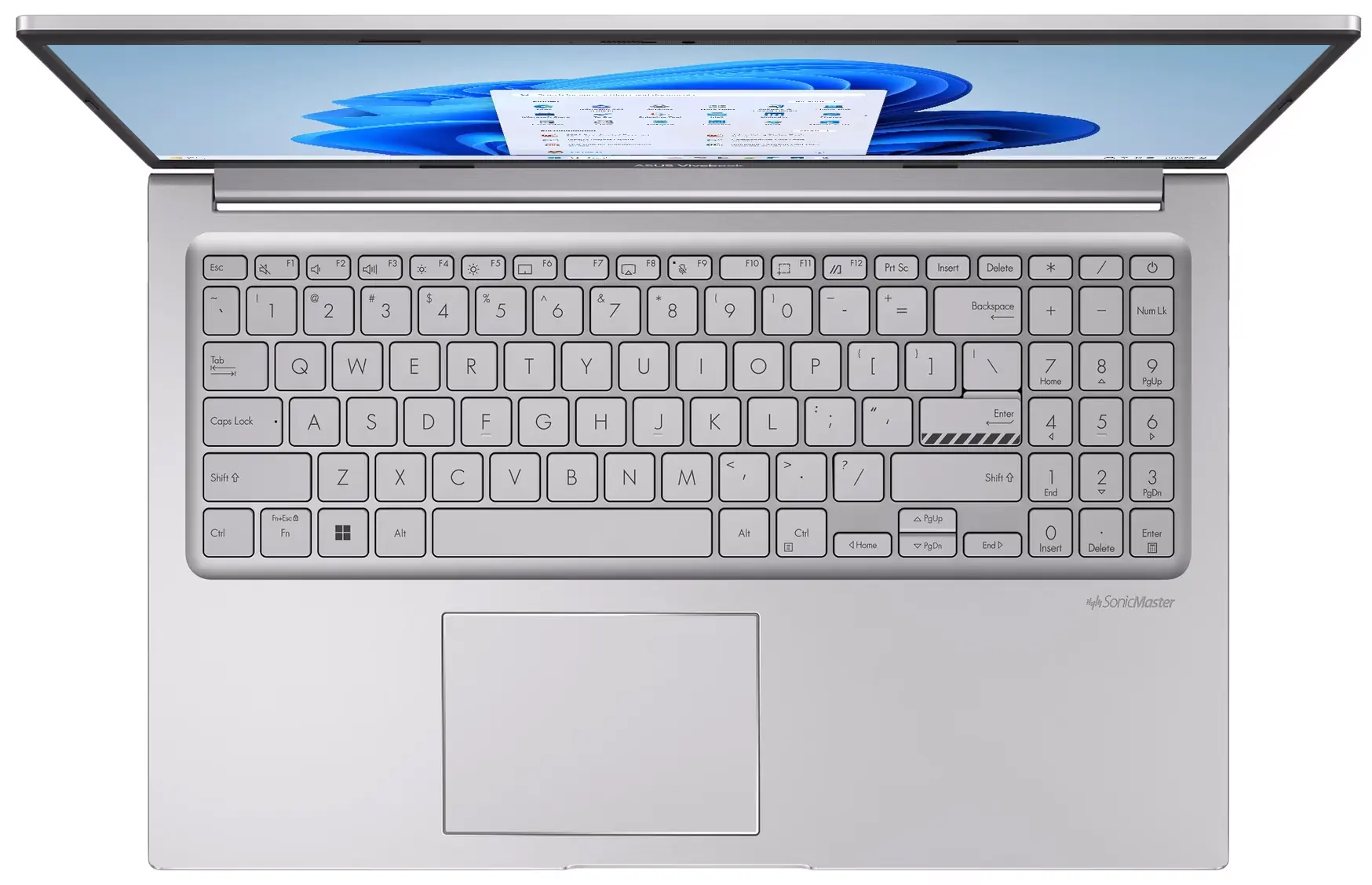
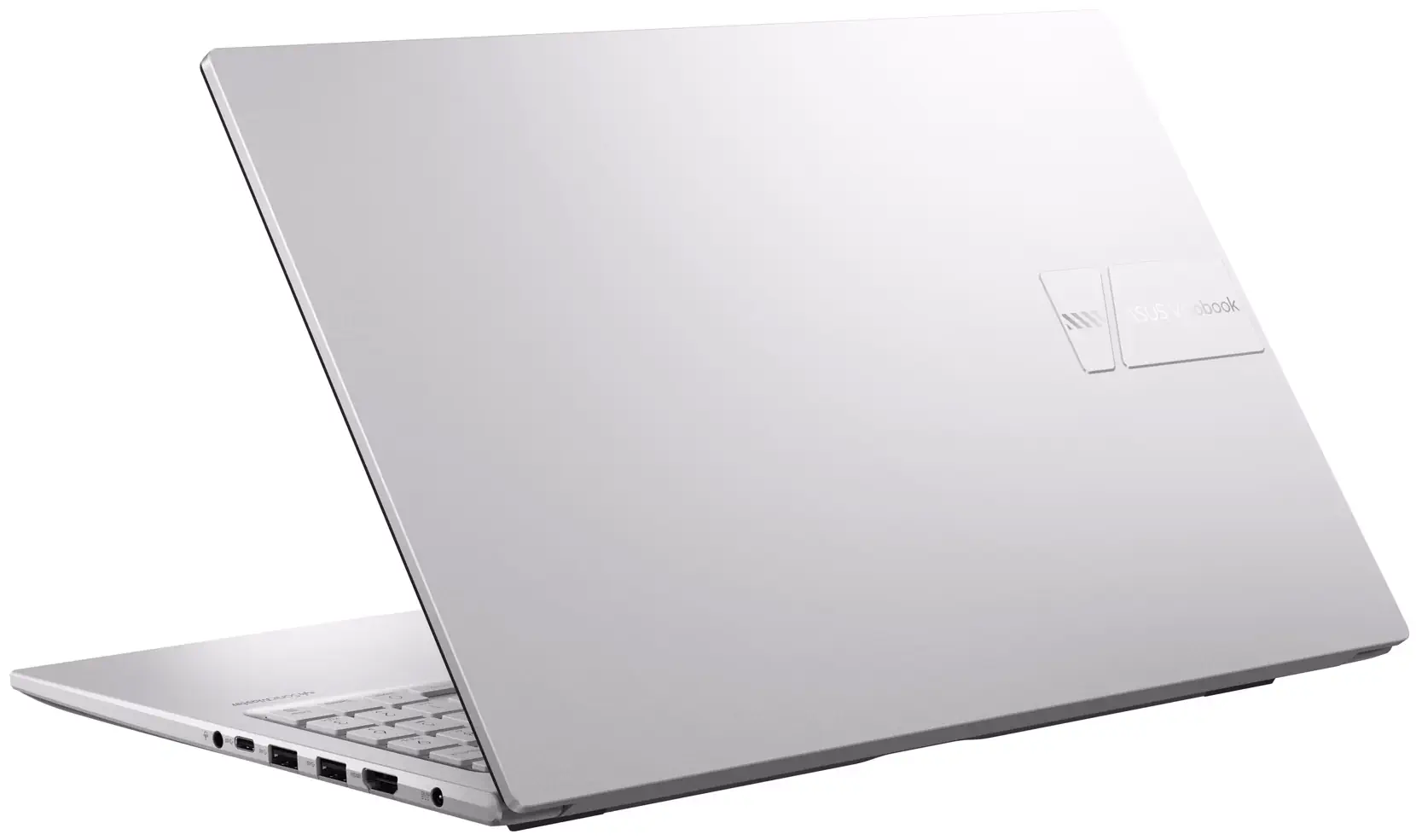
ASUS Vivobook 15 F1504MA-WH34 15.6” FHD Laptop with Intel Core 3 304, 8GB RAM, 256GB SSD
Original price was: $569.99.$499.99Current price is: $499.99.
Add to CompareSpecifications
| Manufacturer |
Asus is among the top 5 world’s most prominent laptop makers, known for their VivoBook mainstream laptops, Zenbook ultraportables, and ROG and TUF gaming notebooks. The most affordable Asus laptops are those from the VivoBook line. |
|---|---|
| Series |
The ASUS VivoBook series blends stylish design with everyday performance. VivoBooks offer vibrant displays, ergonomic keyboards, and versatile configurations. They are ideal for students, creators, and professionals on the move. |
| Laptop Type |
Laptop PCs with Windows operating system are the most common notebook computers, followed by MacBooks and Chromebooks. Windows PC laptops offer the widest range of hardware options and price points, giving users more flexibility. The traditional clamshell laptop design is considered to be the standard one, as opposed to 2-in-1 convertibles. |
| Performance |
Laptops with basic computing performance can handle everyday home and office tasks, but the user experience may be less smooth than on typical mid-range models. |
| Typical Use |
Even the cheapest laptops with basic specs, besides smoother running mid-rangers, are suitable for the common everyday tasks like web browsing, emails, or document editing. Having a powerful and power-hungry laptop just to complete these tasks isn’t necessary. Office and productivity laptop tasks typically involve word and spreadsheet processing, presentations, emailing, web research, and multitasking between business applications. Studying, Schoolwork and Online Education Laptops optimal for studying, schoolwork, and online education offer reliable entry-level and mid-range performance, a good battery life, and support for multitasking and communication in a digital learning environment. Web browsing and social media tasks don’t require high-end specs. They can be completed easily on entry-level and mid-range laptops with good network connectivity. Unless you play the latest AAA games for which you need a gaming laptop, lighter games like Minecraft, Roblox, League of Legends, or Sims, you can run decently well on a regular mid-range laptop. Laptops used for movie watching don’t have to include high-performance components. But, they should offer decent screens with wide viewing angles, such as IPS panels. For professional content creation such as high-resolution photo and video editing or music production, a laptop with high performance is recommended. However, for occasional light content creation tasks like 1080p video and basic photo editing, mid-range performance is sufficient, too. In both cases, laptops used for visual content creation should have at least decent screens. |
| Screen Size |
15.6-inch is traditionally the most popular laptop screen size by far. But, it is being gradually replaced by the 16″ diagonal. Both 15.6″ and 16″ provide a lot of screen real estate while avoiding the bulkiness of 17.3″ laptops. |
| Screen Resolution |
Full HD (FHD) is the most common laptop screen resolution today. It offers good image sharpness and a decent amount of screen space for the user interface and applications. However, it doesn’t match the visual clarity of top-tier 4K Ultra HD. On the plus side, FHD typically consumes less power than 4K, making it more energy-efficient for everyday use. |
| Screen Features |
Displays based on IPS technology provide much wider viewing angles than the budget-class TN screens. Anti-glare coating reduces ambient light reflections, as opposed to the glare-type displays with more vivid colors. |
| Processor |
The Intel Core 3 304 is an entry-level processor for laptops. It is faster than many other entry chips like the Intel N-series, but is slower than the mid range Core 5 and 7 parts. Nevertheless, in most daily computing tasks the difference isn’t noticeable much. For more info, check out the full review of the Intel Core 3 304. |
| Graphics | Intel Graphics of Core 3 300 Series CPUs The Intel Graphics of Core 3 300 series processors is a very basic one, but it enables you to play many of the popular PC games like Minecraft, Roblox, and even Fortnite on low settings. For more info, see our review of this graphics processor. |
| RAM Size |
The 8GB RAM size is the recommended minimum in laptop computers. It provides comfortable multi-tasking for the most home and office users, but 16GB is becoming the new standard in 2026. Keep in mind that 8GB may be not enough for some heavier multi-tasking, demanding programs and many newer games. |
| Data Storage |
256GB is a decent capacity. If you tend to download and store a lot of large files like movies and install many programs, 512GB or more is a better choice. |
| Keyboard & Touchpad | Keyboard with Dedicated Number Pad These keyboards have a separate numeric pad on the right side. This is ideal for those who type numbers a lot, but it is also useful in some games. |
| Multimedia & Communication | Web Camera in 720p HD This is the most common web camera resolution in laptops. However, it’s low in comparison to camera resolutions of modern smartphones, so it can’t produce as sharp picture. 720p cameras are being gradually replaced by sharper 1080p in newer laptops. Stereo Speakers Modern mobile computers usually have built-in stereo speakers. Built-in Microphone The laptop has a built-in microphone, which is a common laptop feature just like web cameras. |
| Networking & Wireless | Wi-Fi 5 802.11AC Wireless The 802.11AC is one of the older wireless networking standards. It’s also known as Wi-Fi 5. 802.11AC is succeeded by 802.11AX Wi-Fi 6 and 802.11BE Wi-Fi 7 that offer data transfer speed and multi-device connectivity improvements. Bluetooth Bluetooth enables you to wirelessly connect the computer to Bluetooth peripherals like Bluetooth mice and keyboards, as well as to smartphones, and other compatible devices. |
| Ports & Slots | 3 x USB Type A The laptop has three traditional USB Type A ports. 2 x USB-C The device has two USB-C ports. HDMI HDMI is a widely used digital video output port. You can find corresponding HDMI input ports on most computer monitors and TVs. Combo 3.5mm Audio Jack This laptop has a standard 3.5mm combo audio jack that supports both headphone output and microphone input simultaneously. |
| Battery Capacity | 42 WHr Battery 42 WHr is one of the battery capacities commonly used in budget-class laptops. It is on the lower end of the spectrum, but it can provide a decent battery life for the regular day-to-day tasks. |
| Weight | 3.7 lbs |
| Thickness | 0.7 inches |
| Operating System |
Windows 11 Home operating system is designed for everyday users who need a fast, intuitive, and connected computing environment. The Pro version is recommended only for select business users that need extra enterprise features. |
| Other Notable Features |
Additionally ruggedized laptops offer extra durability when it comes to drop, dust, and water resistance. They typically meet the MIL-STD 810H ruggedness standard. |
| Year of Release |
|
| Laptop Condition |
The brand new laptops, as opposed to refurbished, come sealed straight from the manufacturer. They are untouched and in pristine condition. The brand new laptops typically feature the latest hardware and offer full warranties. |
| Warranty |
A one‑year warranty is the most common period for laptops. Longer warranties, such as three years, are considered extended warranties. |
One response to “ASUS Vivobook 15 F1504MA-WH34 15.6” FHD Laptop with Intel Core 3 304, 8GB RAM, 256GB SSD”
Leave a Comment
Related Laptop Deals
-
Instant Savings
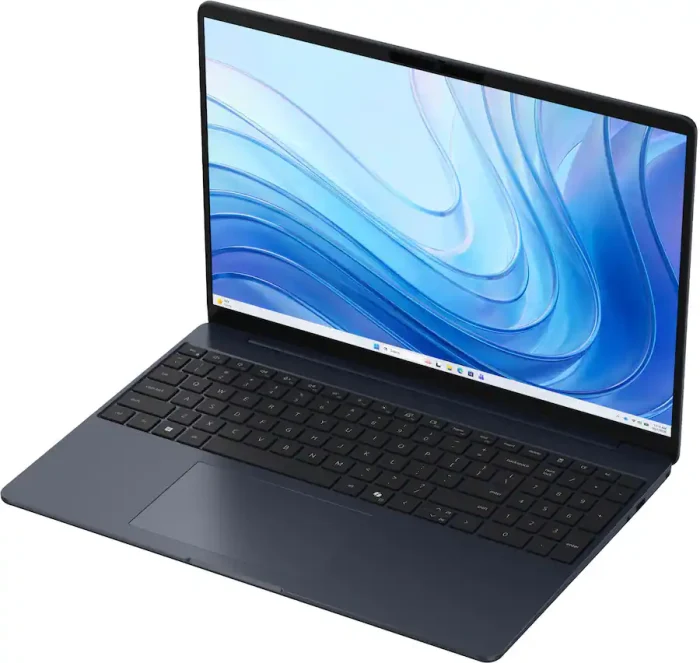
Dell LD15261-5508BLU-PUS Touchscreen Laptop (15.3″ 2K, Intel Core 5 320, 8GB RAM/512GB SSD)
Original price was: $849.99.$449.99Current price is: $449.99. Deal on Best Buy Add to Compare -
Instant Savings

HP 15-fd0094wm Affordable Windows Laptop (15.6″, Intel N250, 4GB/128GB)
$270.00 Deal on Walmart Add to Compare -
Low Regular Price

Acer Aspire Go 15 AG15-32P-352Z Budget Laptop (15.6″, Intel Core 3, 8GB/128GB)
Original price was: $390.70.$299.99Current price is: $299.99. Deal on Amazon Add to Compare -
Low Regular Price

HP Victus 15-fa2013dx Gaming Laptop (15.6″ FHD 144Hz, Nvidia RTX 3050 6GB, Intel i5-13420H, 8GB/512GB)
Original price was: $1,124.99.$775.00Current price is: $775.00. Deal on Best Buy Add to Compare -
Instant Savings
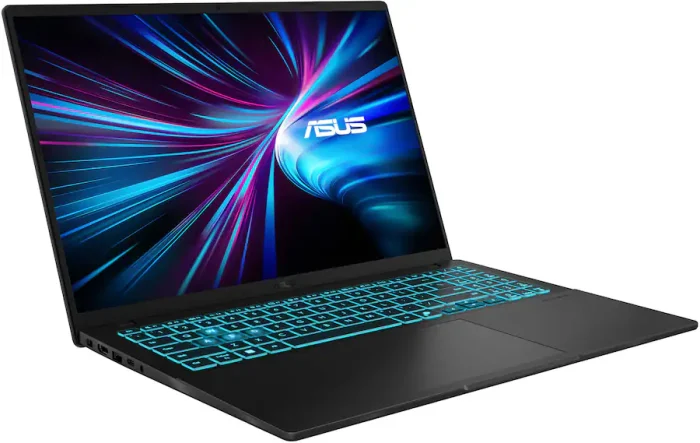
ASUS V16 V3607VJ-VS/V16_55 Gaming Laptop (16″ 2K, Nvidia RTX 3050, Intel Core 5 210H, 8GB/512GB)
Original price was: $1,249.99.$699.99Current price is: $699.99. Deal on Best Buy Add to Compare -
Instant Savings
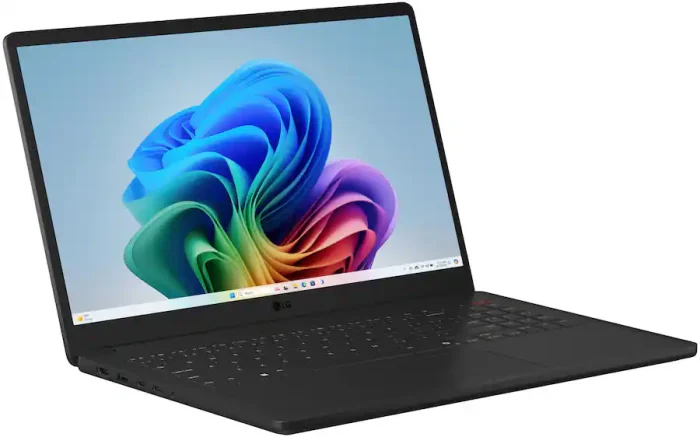
LG Gram Book 15 15U50U-H.AR55U1 Touch-Screen Laptop (15.6″ FHD, Intel Core Ultra 5 115U, 8GB RAM/512GB SSD)
Original price was: $799.99.$449.99Current price is: $449.99. Deal on Best Buy Add to Compare
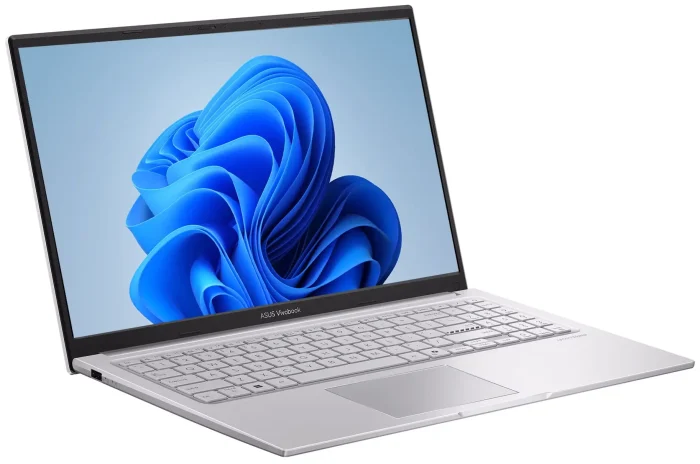
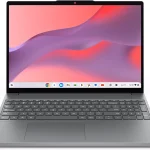
For our recent test of the Intel Core 3 304 chip (https://cheaplaptopdeals.com/tests/intel-core-3-304/), we actually used the same Asus Vivobook 1504MA-series laptop, although different SKU. Our blue 1504MA model with the same internals, display and chassis shape as the silver F1504MA-WH34 fared well in tests, generating enough speed for the daily computing tasks, while running relatively cool and quiet.
We have no complaints on the crisp wide-viewing-angle display for everyday use, although the color gamut specs are not the greatest. But that’s mostly concern for pro designers and video/photo editors. The display doesn’t reflect ambient lights much and we do like thin yet solid bezels around it.
For the keyboard we do prefer Lenovo’s slightly rounded keys, but the square-ish keys on the Asus are decent too for typing. Unfortunately, no keyboard backlight. The touchpad gives a decent feel, but it may be to sensitive to some, at least on the default settings.
A big plus is the ruggedized chassis of the 1504 series and other modern Vivobooks, with high quality plastics on the keyboard deck and lid.
As for the battery, life you can expect 4-5 hours of light use with the included 42WHr unit, based on our experience.
Another nice touch is inclusion of 3 full-size USB and two USB-C ports, making the laptop more versatile for connecting your peripherals than the typical notebook PCs.
Overall, we can easily recommend the Asus Vivobook F1504MA-WH34 and other 1504MA Core 3 304-powered models for the daily computing, especially if found below $500.
If you have any questions or your own review, feel free to share it with us in the comments.