
Finding a cheap touchscreen laptop or any laptop under $100 is really a tough task. But it is possible.
Practical tips about buying laptops and scoring smart savings on them all year round.
Just like with other Lenovo ThinkPad laptops, If you have one of the ThinkPad X1 Carbon models at your hand, you can check on the bottom plate the generation and model name imprinted on it. It should be also visible in Windows System Information app (in Windows Search type “system information” to find the app). … Read more

If you have trouble finding out what generation a Lenovo ThinkPad 14 belongs to or what’s its year of release, this post is for you. Lenovo has started using the T14 name for the standard 14″ ThinkPad T series in 2020, after calling it ThinkPad T4xx prior to that. So the 2020 ThinkPad T14 is … Read more

TLDR: A touchscreen laptop is admirable and highly intuitive when paired with touch-optimized software. But remember: stylus support is optional, and not every touchscreen adds meaningful creative value. The trade-offs—glossy screens, fingerprints, extra weight, shorter battery life, and higher price—can be significant. Touchscreen laptops have carved out a niche in modern computing, offering a blend … Read more
Cheap laptops aren’t as slow as they used to be. Storage technology has completely reshaped the experience. The biggest leap comes from SSDs (solid‑state drives) replacing the old and slow spinning HDD (hard disk drives). Even on budget machines with entry-level processors but with SSDs built in, this means almost instant system boot‑ups, apps that … Read more
TLDR: A 17.3″ or similarly sized laptop is worth buying if paired with a good resolution. Go big if you prefer immersive visuals and desktop-like comfort over portability, but make resolution a non-negotiable factor in your purchase. Large-screen laptops – typically with 17.3-inch displays – promise expansive visuals and desktop-like comfort. They’re popular among gamers, … Read more
Finding a cheap touchscreen laptop or any laptop under $100 is really a tough task. But it is possible.
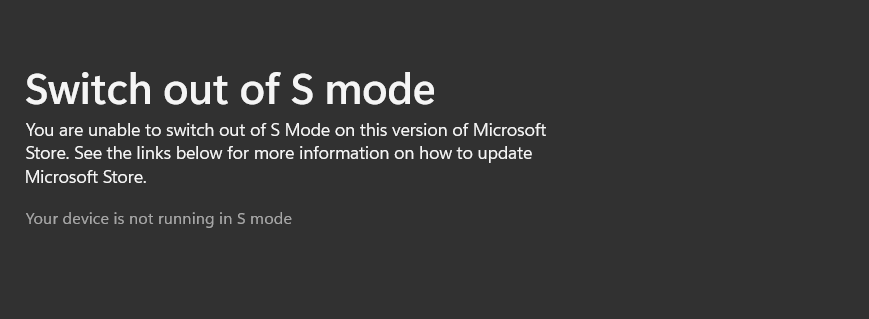
When shopping for a laptop PC, you may notice that some of the most affordable models by HP, Dell, Lenovo, Asus, Acer and other makers come with Windows 11 in S Mode. At first glance, this can feel limiting. To enhance security, S Mode only allows apps from the Microsoft Store, blocking popular programs like Google Chrome or MS Office-type productivity apps.
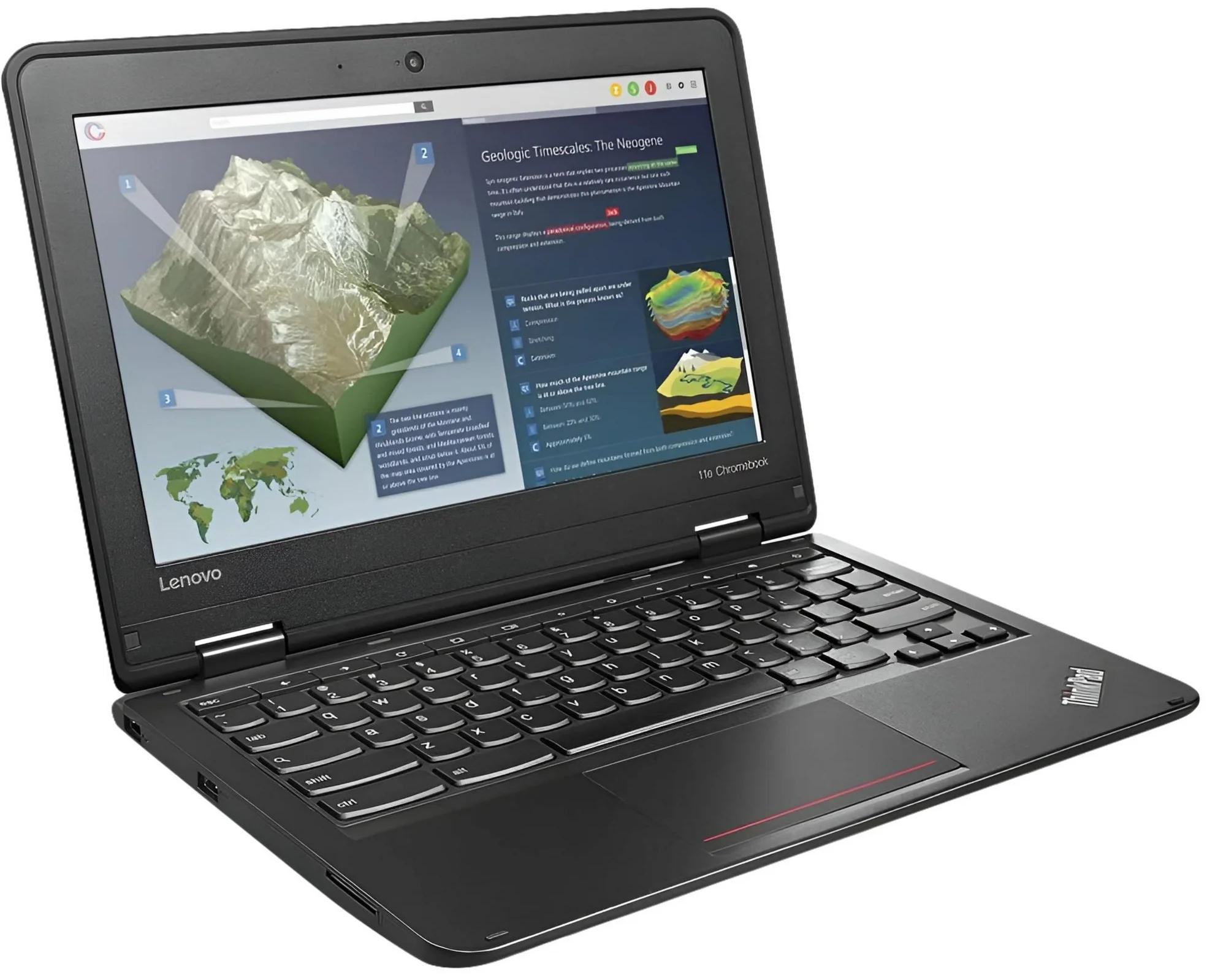
Finding a cheap laptop under $100 sounds like a dream deal. But what notebooks are actually available at that price point?