
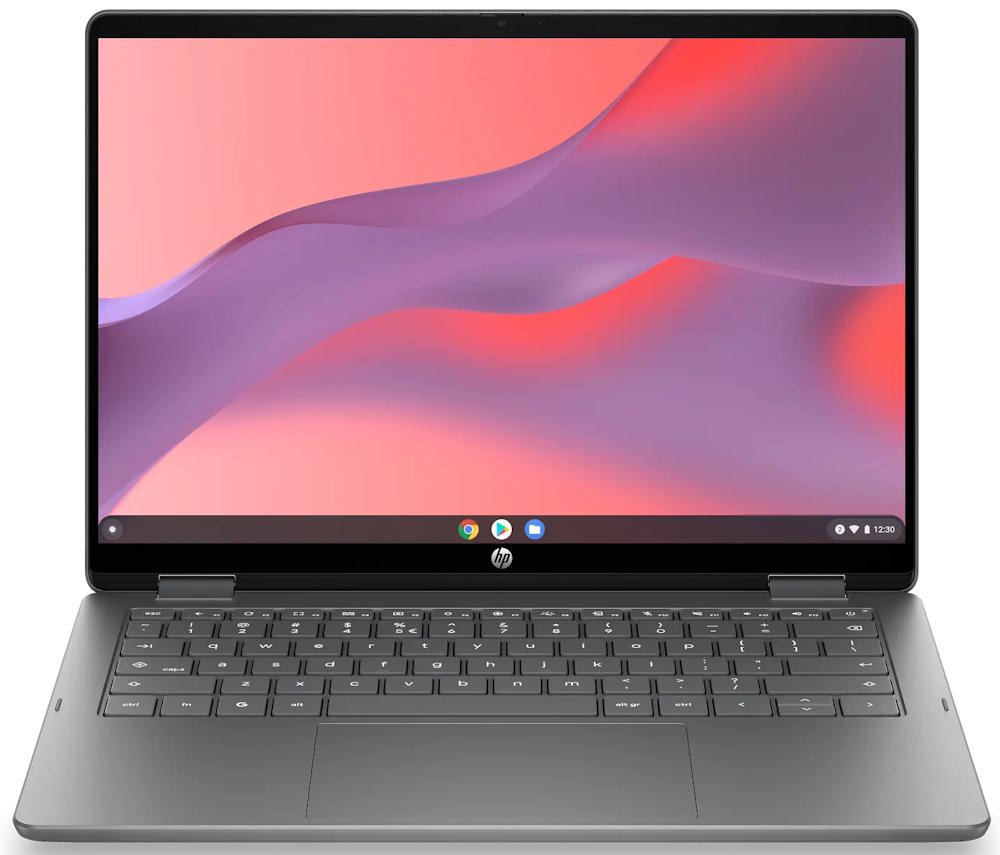
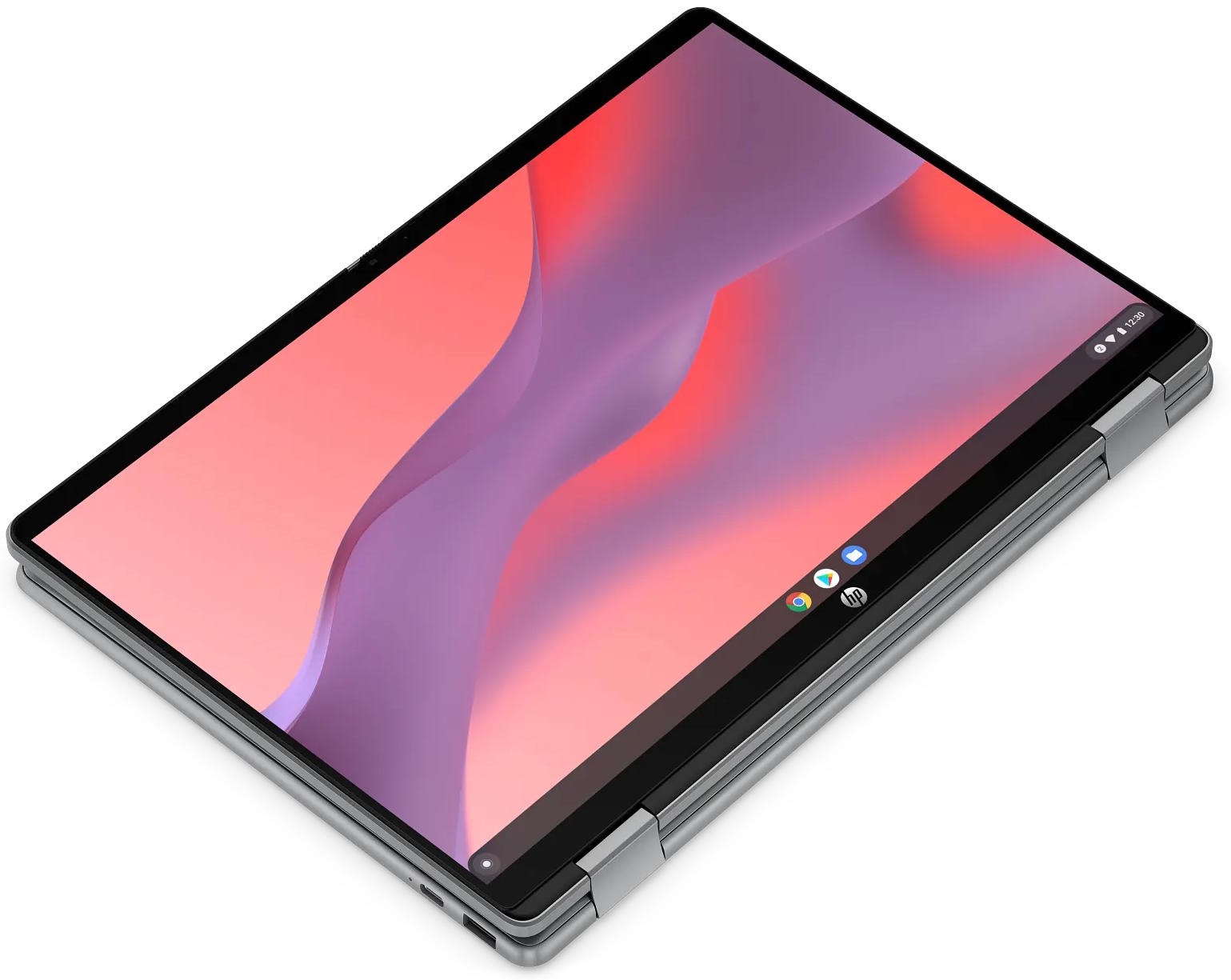
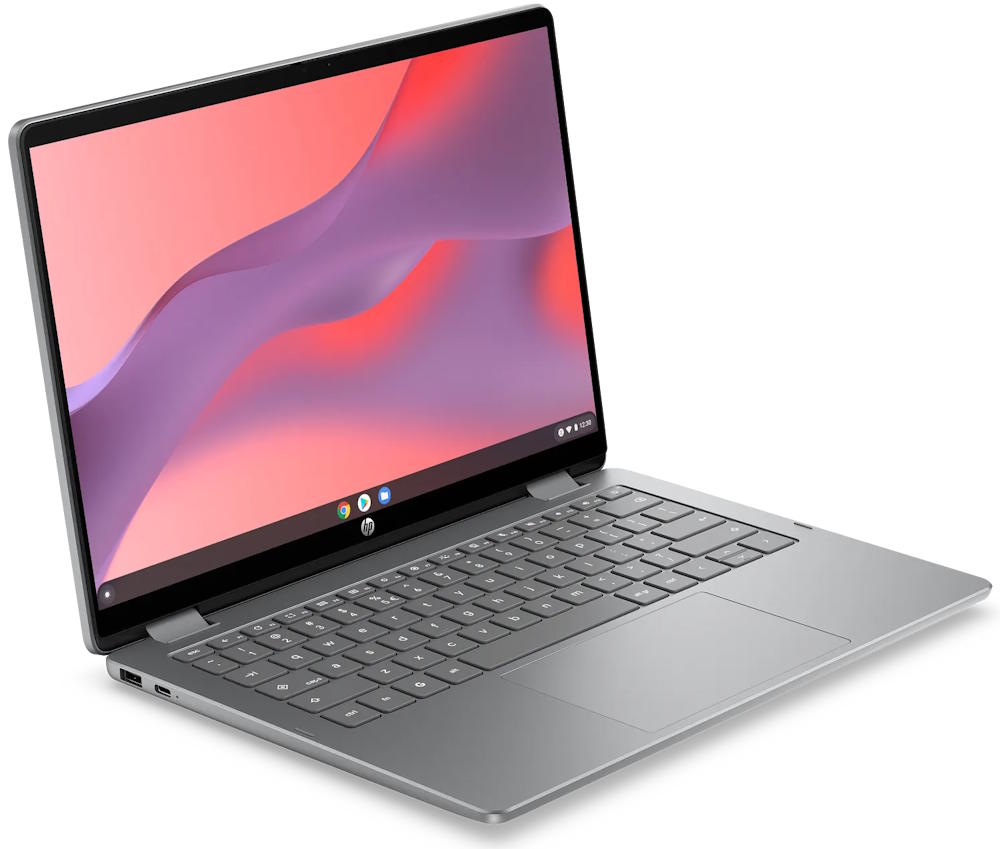
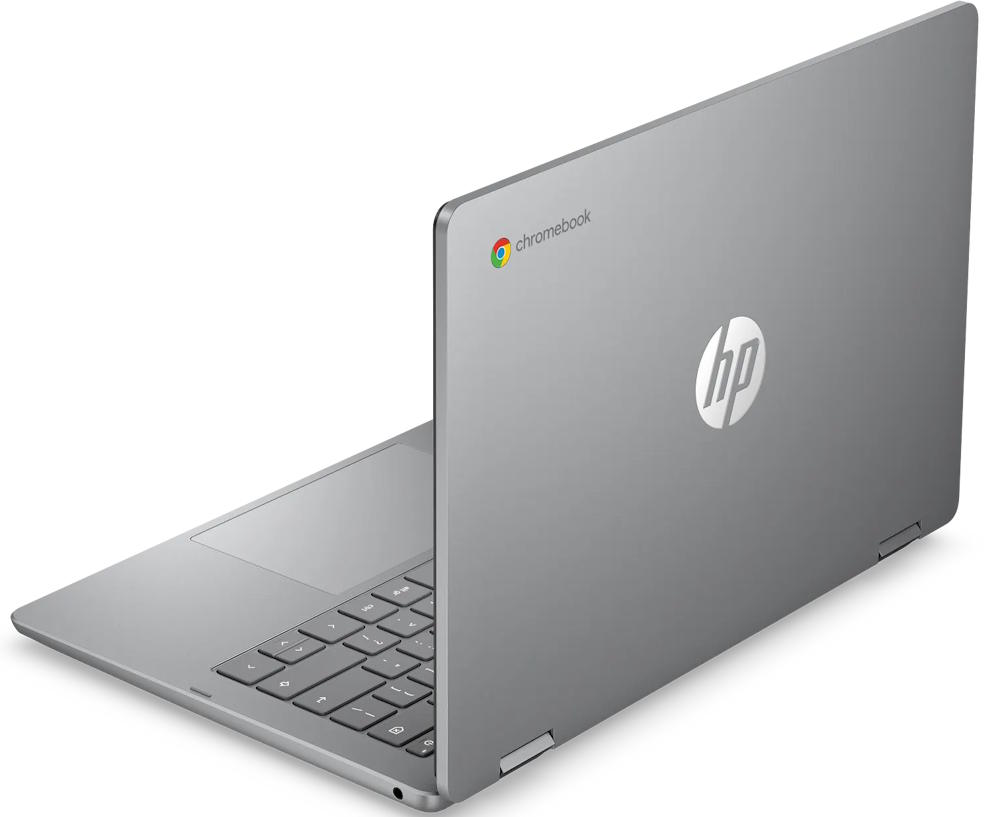
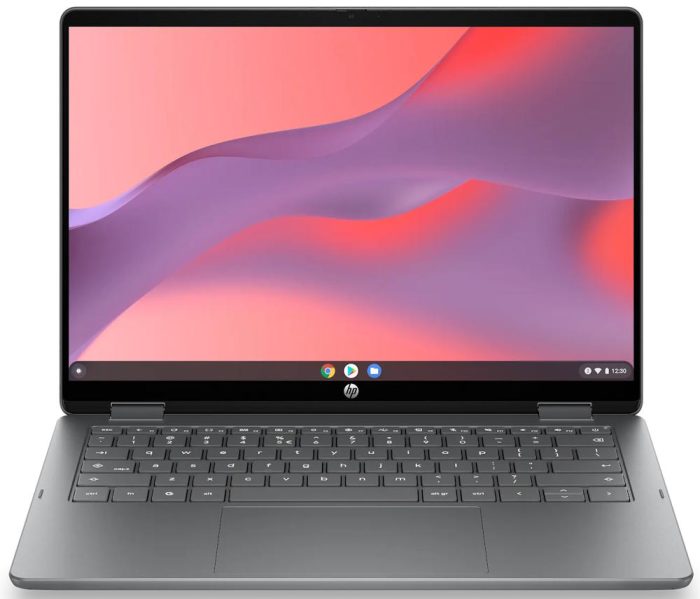
HP Chromebook x360 14bt-ce000 14″ Convertible
Original price was: $549.99.$329.99Current price is: $329.99.
Add to CompareSpecifications
| Manufacturer |
HP (Hewlett-Packard) is among the top 3 laptop makers by the world’s market share, besides Dell and Lenovo. HP makes affordable laptops branded simply as HP or HP Essential, the popular OmniBook mainstream consumer laptop and 2-in-1 convertible line, EliteBook and ProBook business laptops, and Omen gaming notebooks. |
|---|---|
| Series |
Just like other Chromebooks, HP’s line of ChromeOS-powered web-centric laptops combine affordability with reliable performance for the daily computing tasks. |
| Laptop Type |
Chromebooks are lightweight, affordable laptops optimized for cloud-based computing. They offer seamless integration with Google services, fast boot times and long battery life, making them ideal for students, casual users, and web-centric tasks. 2-in-1 convertible laptops combine the versatility of a tablet with the functionality of a regular laptop, featuring a touchscreen and flexible or detachable hinge designs. |
| Performance |
Laptops with basic computing performance can handle everyday home and office tasks, but the user experience may be less smooth than on typical mid-range models. |
| Typical Use |
Even the cheapest laptops with basic specs, besides smoother running mid-rangers, are suitable for the common everyday tasks like web browsing, emails, or document editing. Having a powerful and power-hungry laptop just to complete these tasks isn’t necessary. Office and productivity laptop tasks typically involve word and spreadsheet processing, presentations, emailing, web research, and multitasking between business applications. Studying, Schoolwork and Online Education Laptops optimal for studying, schoolwork, and online education offer reliable entry-level and mid-range performance, a good battery life, and support for multitasking and communication in a digital learning environment. Web browsing and social media tasks don’t require high-end specs. They can be completed easily on entry-level and mid-range laptops with good network connectivity. |
| Screen Size |
The 14-inch diagonal offers a decent screen real estate that’s close to the common 15.6″ and 16″, while enabling a compact laptop design. |
| Screen Resolution |
This is an entry-level screen resolution, oftentimes found on budget laptops. It doesn’t deliver picture sharpness and space on the screen like the Full HD or higher-resolution laptop displays do. |
| Screen Features |
Touchscreens in modern mobile computers support multi-touch finger input. On select models, they also support active digitizer pens for creative use and note taking. Touch-enabled laptops come in the standard laptop form with added touchscreen functionality or with 2-in-1 convertible laptop / tablet designs. Read more about pros and cons of touchscreen laptops. Displays based on IPS technology provide much wider viewing angles than the budget-class TN screens. |
| Processor |
The Intel N150 is a budget-friendly processor from late 2024. It extends Intel’s N-series line, following the N100 and N200 as successors to the older Celeron chips. Like its siblings, it’s built for efficiency and everyday tasks – web browsing, office apps, and streaming – rather than heavy workloads. For smoother completion of heavier tasks and multitasking, the Intel Core and AMD Ryzen series are the go-to option. |
| Graphics |
This is an entry-level graphics processor. It’s capable of running only the lightest games decently fast. Depending on the main processor model, the built-in Intel UHD graphics may deliver slightly different performance. |
| RAM Size |
4GB is a small RAM size for any type of laptop computing in 2026. For smooth operation of a laptop during everyday tasks, at least 8GB is recommended and preferably 16GB. |
| Data Storage |
64GB is a very small but usable capacity, far less than 256GB, 512GB or 1TB you can typically find in modern laptops. However, there are laptops with even less storage, like 32GB or only 16GB. eMMC storage is slower than the commonly used SSDs, but it is faster than the traditional hard drives. |
| Keyboard & Touchpad | Keyboard without Dedicated Number Pad The keyboard has no separate numeric pad you can usually find on the right side of the keyboard on many laptop models. |
| Multimedia & Communication | Web Camera in 1080p FHD This is a high laptop web camera resolution in comparison to the common 720p. But, 1080p is low in comparison to common resolutions of modern smartphone front cameras. Stereo Speakers Modern mobile computers usually have built-in stereo speakers. Built-in Microphone The laptop has a built-in microphone, which is a common laptop feature just like web cameras. |
| Networking & Wireless | Wi-Fi 6 802.11AX Wireless The 802.11AX is currently the most used Wi-Fi wireless networking standard. It’s also known as Wi-Fi 6. When connected to 802.11AX-compatible routers, the 802.11AX modules in laptops bring improvements over the older standards in terms of data transfer speeds and multi-device connectivity. In some of the latest laptops, 802.11AX is being replaced by newer 802.11BE standard. Bluetooth Bluetooth enables you to wirelessly connect the computer to Bluetooth peripherals like Bluetooth mice and keyboards, as well as to smartphones, and other compatible devices. |
| Ports & Slots | 1 x USB Type A The laptop has a single traditional USB Type A port. 1 x USB-C The device has a single USB-C port. Video Out via USB-C The device can deliver digital video output via USB-C. Combo 3.5mm Audio Jack This laptop has a standard 3.5mm combo audio jack that supports both headphone output and microphone input simultaneously. |
| Weight | 3 lbs |
| Thickness | 0.6 inches |
| Operating System |
Chromebook laptops run on Google’s web-centric ChromeOS operating system. |
| Year of Release |
|
| Laptop Condition |
The brand new laptops, as opposed to refurbished, come sealed straight from the manufacturer. They are untouched and in pristine condition. The brand new laptops typically feature the latest hardware and offer full warranties. |
| Warranty |
A one‑year warranty is the most common period for laptops. Longer warranties, such as three years, are considered extended warranties. |
Related Laptop Deals
-
Instant Savings

HP Chromebook 14 14a-na0226nr (14″, Intel Celeron N4120, 4GB/64GB)
$224.89 Deal on AmazonComments (0)Add to Compare -
Instant Savings

HP Chromebook 14a-ne1013dx (14″, Intel N4500, 4GB/64GB)
Original price was: $399.99.$226.99Current price is: $226.99. Deal on Best Buy Add to Compare -
Instant Savings
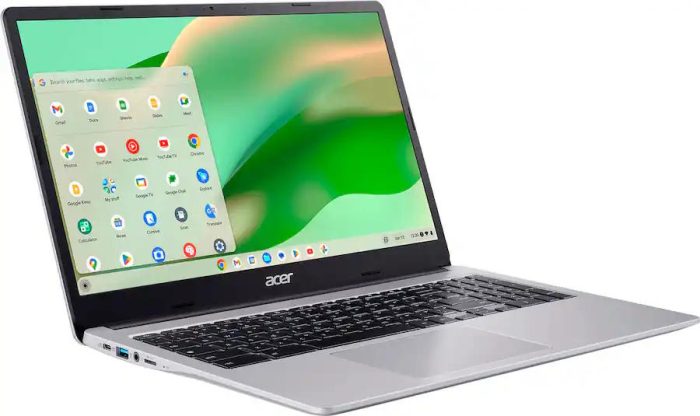
Acer Chromebook 315 CB315-4H-C0BR 15.6″ Laptop with Intel N4500, 4GB RAM, 64GB eMMC, Free Sleeve
Original price was: $299.99.$223.99Current price is: $223.99. Deal on Best Buy Add to Compare -
Low Regular Price
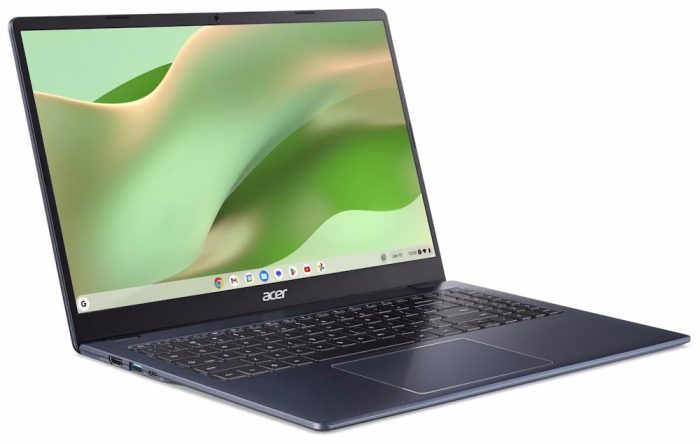
Acer Chromebook 315 CB315-7H-C7F8 15.6″ Laptop with Intel Processor N50, 4GB RAM, 128GB eMMC
$239.00 Deal on Walmart Add to Compare
Leave a Comment