
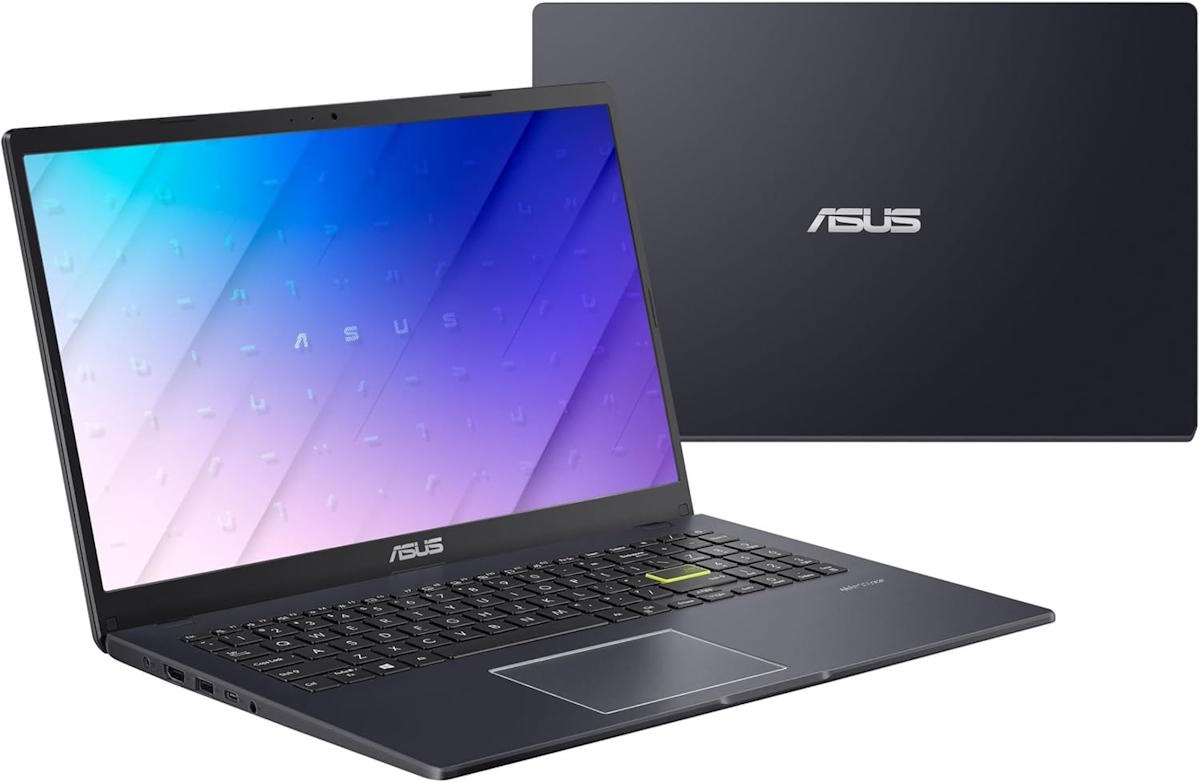
ASUS Vivobook Go L510KA-ES04 Budget Laptop (15.6″, Intel N4500, 4GB/128GB)
$209.00
Add to CompareSpecifications
| Manufacturer |
Asus is among the top 5 world’s most prominent laptop makers, known for their VivoBook mainstream laptops, Zenbook ultraportables, and ROG and TUF gaming notebooks. The most affordable Asus laptops are those from the VivoBook line. |
|---|---|
| Series |
The ASUS VivoBook series blends stylish design with everyday performance. VivoBooks offer vibrant displays, ergonomic keyboards, and versatile configurations. They are ideal for students, creators, and professionals on the move. |
| Laptop Type |
Laptop PCs with Windows operating system are the most common notebook computers, followed by MacBooks and Chromebooks. Windows PC laptops offer the widest range of hardware options and price points, giving users more flexibility. The traditional clamshell laptop design is considered to be the standard one, as opposed to 2-in-1 convertibles. |
| Performance |
Laptops with basic computing performance can handle everyday home and office tasks, but the user experience may be less smooth than on typical mid-range models. |
| Typical Use |
Even the cheapest laptops with basic specs, besides smoother running mid-rangers, are suitable for the common everyday tasks like web browsing, emails, or document editing. Having a powerful and power-hungry laptop just to complete these tasks isn’t necessary. Office and productivity laptop tasks typically involve word and spreadsheet processing, presentations, emailing, web research, and multitasking between business applications. Studying, Schoolwork and Online Education Laptops optimal for studying, schoolwork, and online education offer reliable entry-level and mid-range performance, a good battery life, and support for multitasking and communication in a digital learning environment. Web browsing and social media tasks don’t require high-end specs. They can be completed easily on entry-level and mid-range laptops with good network connectivity. |
| Screen Size |
15.6-inch is traditionally the most popular laptop screen size by far. But, it is being gradually replaced by the 16″ diagonal. Both 15.6″ and 16″ provide a lot of screen real estate while avoiding the bulkiness of 17.3″ laptops. |
| Screen Resolution |
Full HD (FHD) is the most common laptop screen resolution today. It offers good image sharpness and a decent amount of screen space for the user interface and applications. However, it doesn’t match the visual clarity of top-tier 4K Ultra HD. On the plus side, FHD typically consumes less power than 4K, making it more energy-efficient for everyday use. |
| Screen Features |
Anti-glare coating reduces ambient light reflections, as opposed to the glare-type displays with more vivid colors. |
| Processor |
The Intel Celeron N4500 is a basic laptop processor designed for simple everyday tasks like web browsing, video streaming, and working on documents. It’s energy-efficient, meaning it helps laptops last longer on battery power. While not the fastest chip, it’s good for lightweight use and budget-friendly laptops that don’t need high performance for demanding applications. |
| Graphics |
This is an entry-level graphics processor. It’s capable of running only the lightest PC games. |
| RAM Size |
4GB is a small RAM size for any type of laptop computing in 2026. For smooth operation of a laptop during everyday tasks, at least 8GB is recommended and preferably 16GB. |
| Data Storage |
128GB is a relatively small storage space. However, it is usable if you don’t store a lot of large files like movies and don’t install a lot of programs. |
| Keyboard & Touchpad | Keyboard with Dedicated Number Pad These keyboards have a separate numeric pad on the right side. This is ideal for those who type numbers a lot, but it is also useful in some games. Keyboard backlight makes typing in dark easier. Touchpad with Integrated Buttons These touchpads have right click buttons are built into the surface of the touchpad, as opposed to separate physical buttons. |
| Multimedia & Communication | Web Camera in 720p HD This is the most common web camera resolution in laptops. However, it’s low in comparison to camera resolutions of modern smartphones, so it can’t produce as sharp picture. 720p cameras are being gradually replaced by sharper 1080p in newer laptops. Stereo Speakers Modern mobile computers usually have built-in stereo speakers. Built-in Microphone The laptop has a built-in microphone, which is a common laptop feature just like web cameras. |
| Networking & Wireless | Wi-Fi 5 802.11AC Wireless The 802.11AC is one of the older wireless networking standards. It’s also known as Wi-Fi 5. 802.11AC is succeeded by 802.11AX Wi-Fi 6 and 802.11BE Wi-Fi 7 that offer data transfer speed and multi-device connectivity improvements. Bluetooth Bluetooth enables you to wirelessly connect the computer to Bluetooth peripherals like Bluetooth mice and keyboards, as well as to smartphones, and other compatible devices. |
| Ports & Slots | 2 x USB Type A The laptop has a pair of the traditional USB Type A ports. 1 x USB-C The device has a single USB-C port. HDMI HDMI is a widely used digital video output port. You can find corresponding HDMI input ports on most computer monitors and TVs. Combo 3.5mm Audio Jack This laptop has a standard 3.5mm combo audio jack that supports both headphone output and microphone input simultaneously. |
| Battery Capacity | 42 WHr Battery 42 WHr is one of the battery capacities commonly used in budget-class laptops. It is on the lower end of the spectrum, but it can provide a decent battery life for the regular day-to-day tasks. |
| Weight | 3.6 lbs |
| Thickness | 0.7 inches |
| Operating System |
Windows 11 Home in S Mode is designed for security and performance. It offers a streamlined experience with enhanced protection by only allowing use of apps from the Microsoft Store. S Mode users can upgrade to the standard Windows 11 Home to enable support for all Windows programs free of charge, so you don’t have to avoid S Mode laptops. |
| Year of Release |
Although not being the latest generation, laptops released in 2024 don’t lag behind much in terms of features and daily computing performance in comparison to their new counterparts. |
| Laptop Condition |
The brand new laptops, as opposed to refurbished, come sealed straight from the manufacturer. They are untouched and in pristine condition. The brand new laptops typically feature the latest hardware and offer full warranties. |
| Warranty |
A one‑year warranty is the most common period for laptops. Longer warranties, such as three years, are considered extended warranties. |
One response to “ASUS Vivobook Go L510KA-ES04 Budget Laptop (15.6″, Intel N4500, 4GB/128GB)”
Leave a Comment
Related Laptop Deals
-
Save on Refurbished
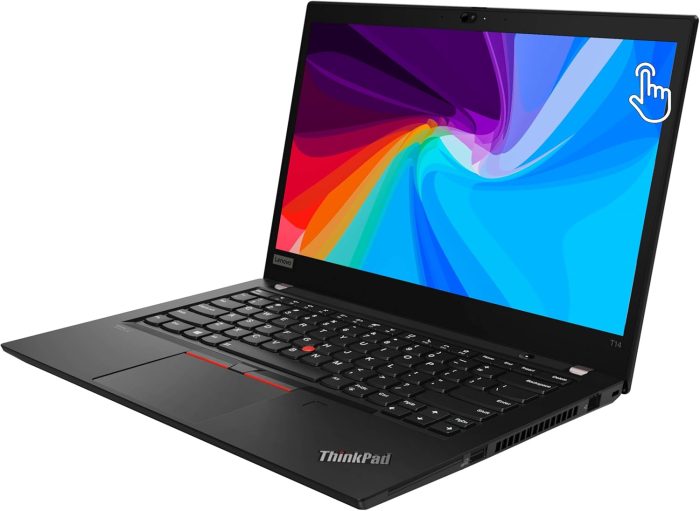
Refurbished Lenovo Thinkpad T14 Gen 2 14″ Touch Laptop with Intel i5, 16GB RAM, 256GB SSD
$281.99 Deal on Amazon Add to Compare -
Save on Refurbished
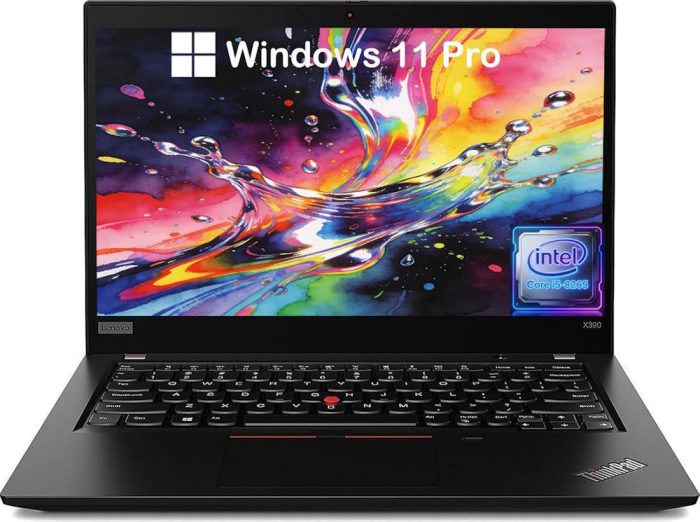
Refurbished Lenovo Thinkpad X390 Laptop (13.3″ FHD, Intel Core i5-8265U, 8GB RAM, 256GB SSD, Win 11)
$202.00 Deal on Amazon Add to Compare -
Instant Savings
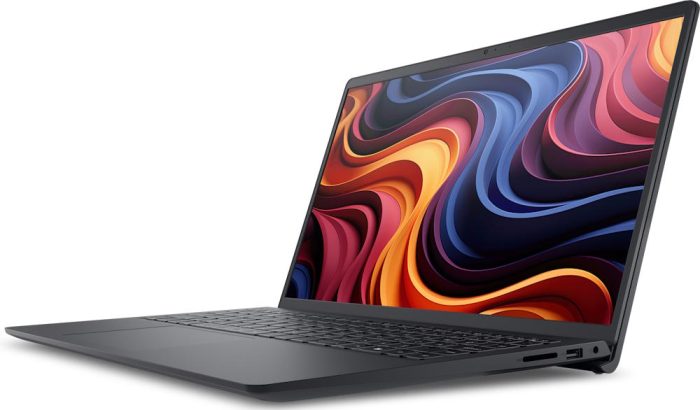
Dell 15 DC15255 Affordable 15.6″ Laptop with AMD Ryzen 3, Large 512GB SSD
Original price was: $499.99.$329.99Current price is: $329.99. Deal on Dell Store Add to Compare -
Instant Savings
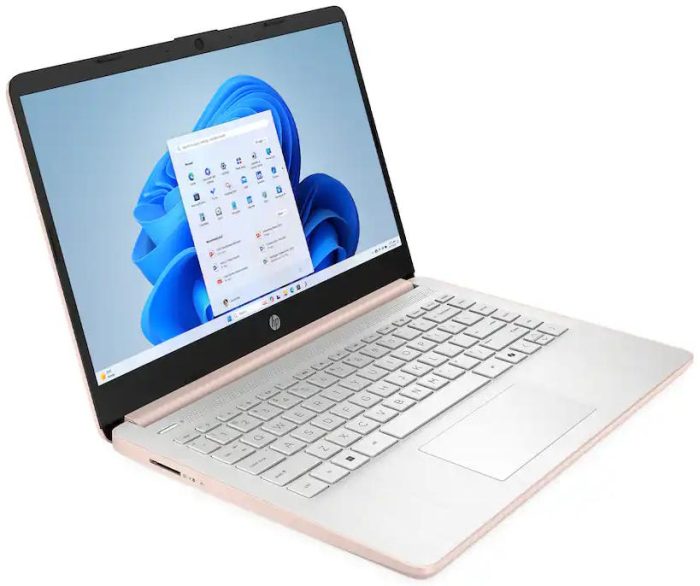
HP 14 14-dq3015dx / CD9Y9UA#ABA Affordable Windows Laptop (Intel N4500, 4GB RAM, 64GB eMMC)
Original price was: $199.99.$159.99Current price is: $159.99. Deal on Best Buy Add to Compare -
Instant Savings

HP 14-dq6017nr Ultra-Affordable 14″ Windows Laptop
Original price was: $399.99.$169.99Current price is: $169.99. Deal on HP Store Add to Compare

We haven’t listed whether the screen is IPS or TN, since it’s not clear from the specs sheets available online for this L510KA-ES04 model. However, the product page for the L510KA on the official Asus website describes the screen as “15.6-inch, FHD (1920 x 1080) 16:9 aspect ratio, LED Backlit, 60Hz refresh rate, 200nits, 45% NTSC color gamut, Anti-glare display, (Screen-to-body ratio)84%”. So no mention of IPS wide viewing angle tech, which is usually mentioned if a screen has it. Furthermore, when asked on Amazon, AI assistant replied that “Customers reviewing this budget laptop don’t mention viewing angles as a strong feature, which suggests it may not have the widest angles available.” All of this makes us believe the screen of the L510KA-ES04 is rather TN than IPS, so don’t expect wide viewing angles on this one.